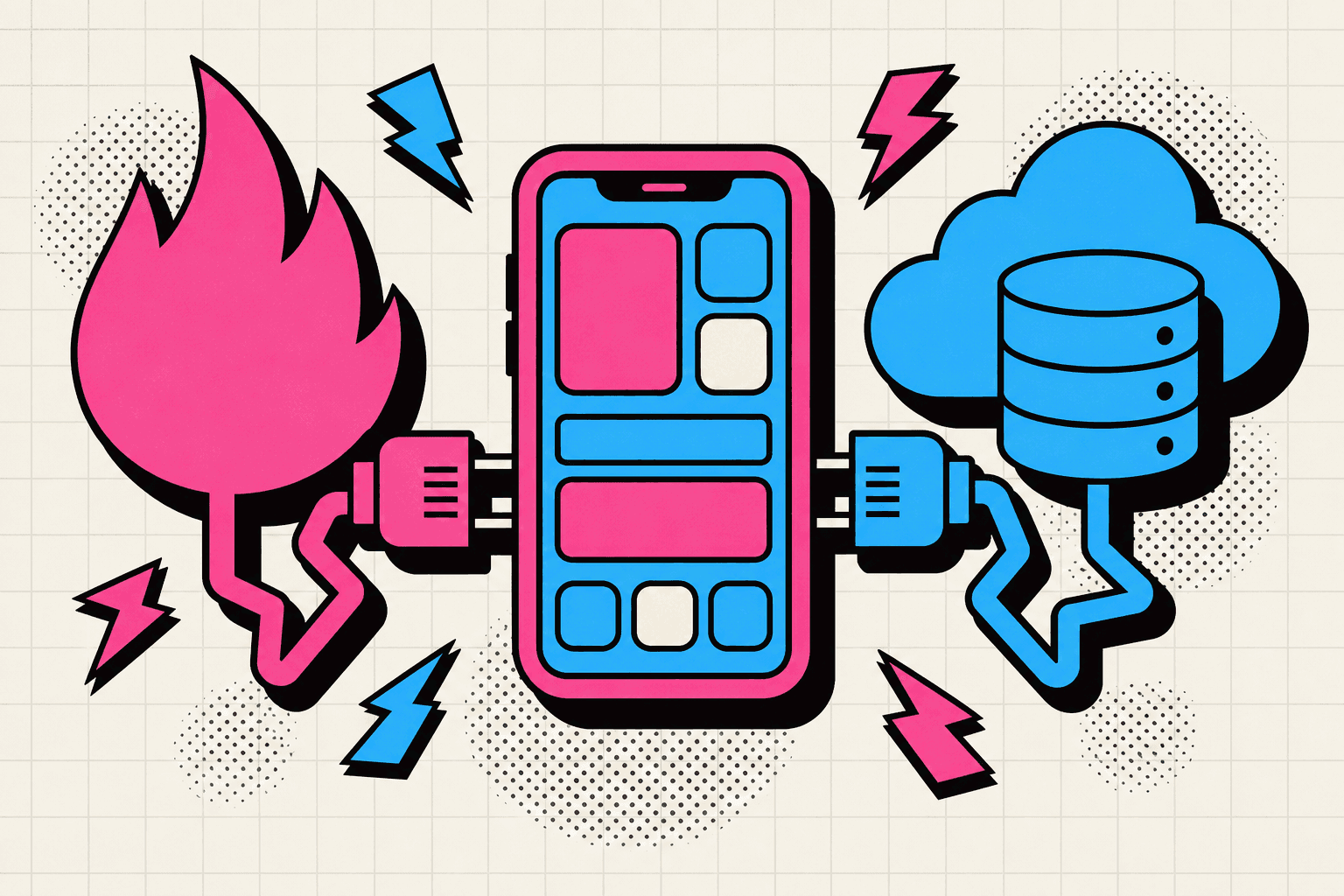
FIRESTORE AS A REAL-TIME ENGINE
Firebase Cloud Firestore ships with a global edge network, conflict resolution, and offline cache baked in. You are not polling REST endpoints—you're subscribing to change streams that propagate in milliseconds.
When you architect with streams in mind, your Flutter widgets become live dashboards. Let's explore how to plug into that feed.
REAL-TIME DATA SYNC
Firestore offers two primary read APIs:
| API | When to use |
|---|---|
| get() | One-time snapshot. Ideal for admin dashboards, cold starts, or cron-like reads where real-time isn't required. |
| snapshots() | Live stream of document or query changes. Perfect for chat feeds, live order books, or IoT dashboards. |
In Flutter, you rarely call setState manually for Firestore. Instead, you compose UI with StreamBuilder so it reacts automatically.
import 'package:cloud_firestore/cloud_firestore.dart';
import 'package:flutter/material.dart';

class LiveChatFeed extends StatelessWidget {
  const LiveChatFeed({super.key, required this.roomId});

  final String roomId;

  @override
  Widget build(BuildContext context) {
    final query = FirebaseFirestore.instance
        .collection('rooms')
        .doc(roomId)
        .collection('messages')
        .orderBy('sentAt', descending: true);

    return StreamBuilder<QuerySnapshot<Map<String, dynamic>>>(
      stream: query.snapshots(),
      builder: (context, snapshot) {
        if (snapshot.hasError) {
          return const Center(child: Text('Something went wrong'));
        }
        if (!snapshot.hasData) {
          return const Center(child: CircularProgressIndicator());
        }

        final docs = snapshot.data!.docs;
        return ListView.builder(
          reverse: true,
          itemCount: docs.length,
          itemBuilder: (context, index) {
            final data = docs[index].data();
            return ListTile(
              title: Text(data['author'] as String? ?? 'Anon'),
              subtitle: Text(data['text'] as String? ?? ''),
              trailing: Text(_humanize(data['sentAt'])),
            );
          },
        );
      },
    );
  }

  String _humanize(Timestamp? ts) {
    if (ts == null) return '';
    return DateTime.fromMillisecondsSinceEpoch(ts.millisecondsSinceEpoch)
        .toLocal()
        .toIso8601String();
  }
}
That's the entire loop: Firestore pushes deltas, Flutter rebuilds the widget tree, and users see updates instantly.
OFFLINE PERSISTENCE
Firestore automatically caches documents so your app keeps functioning when the subway goes underground. Reads hit the local cache first, then reconcile with the server when connectivity returns.
- Offline writes queue locally. Firestore assigns provisional IDs and marks them as pending.
- When the device reconnects, pending writes are replayed in original order, and stream listeners emit updated snapshots.
- You can inspect
snapshot.metadata.isFromCacheto adapt UI (e.g., show "offline" badges).
This default behavior turns every Flutter screen into a progressive web app—no extra Redis, no custom sync workers.
OPTIMISTIC UI THAT FEELS INSTANT
Optimistic UI means updating the interface before the server confirms success. Firestore makes this safe because writes resolve quickly and conflicts are merged deterministically.
Example: when a user sends a chat message, append it to the list immediately with a "sending..." badge. If Firestore rejects the write (security rules, connectivity), swap the badge to "retry" without blocking the rest of the stream.
This pattern turns CRUD apps into delightful experiences. Latency hides behind confident UI motions, and users feel in control.
BEST PRACTICES & GUARDRAILS
- Denormalize with intent: Firestore is NoSQL. Duplicate read-heavy data (e.g., author name, avatar) in each document to avoid fan-out reads.
- Keep documents lean: Stay under 1 MB per document and favor shallow collections. Break large feeds into paginated subcollections.
- Security Rules for listeners: Write allow clauses that mirror your queries. Example:
allow read: if request.query.limit <= 100 && resource.data.roomId in get(/databases/(default)/documents/users/$(request.auth.uid)).data.rooms;This ensures real-time listeners only stream documents the user is authorized to view. - Monitor usage: Real-time listeners count as active connections. Use Firestore Usage dashboard and set alerts for sudden spikes.